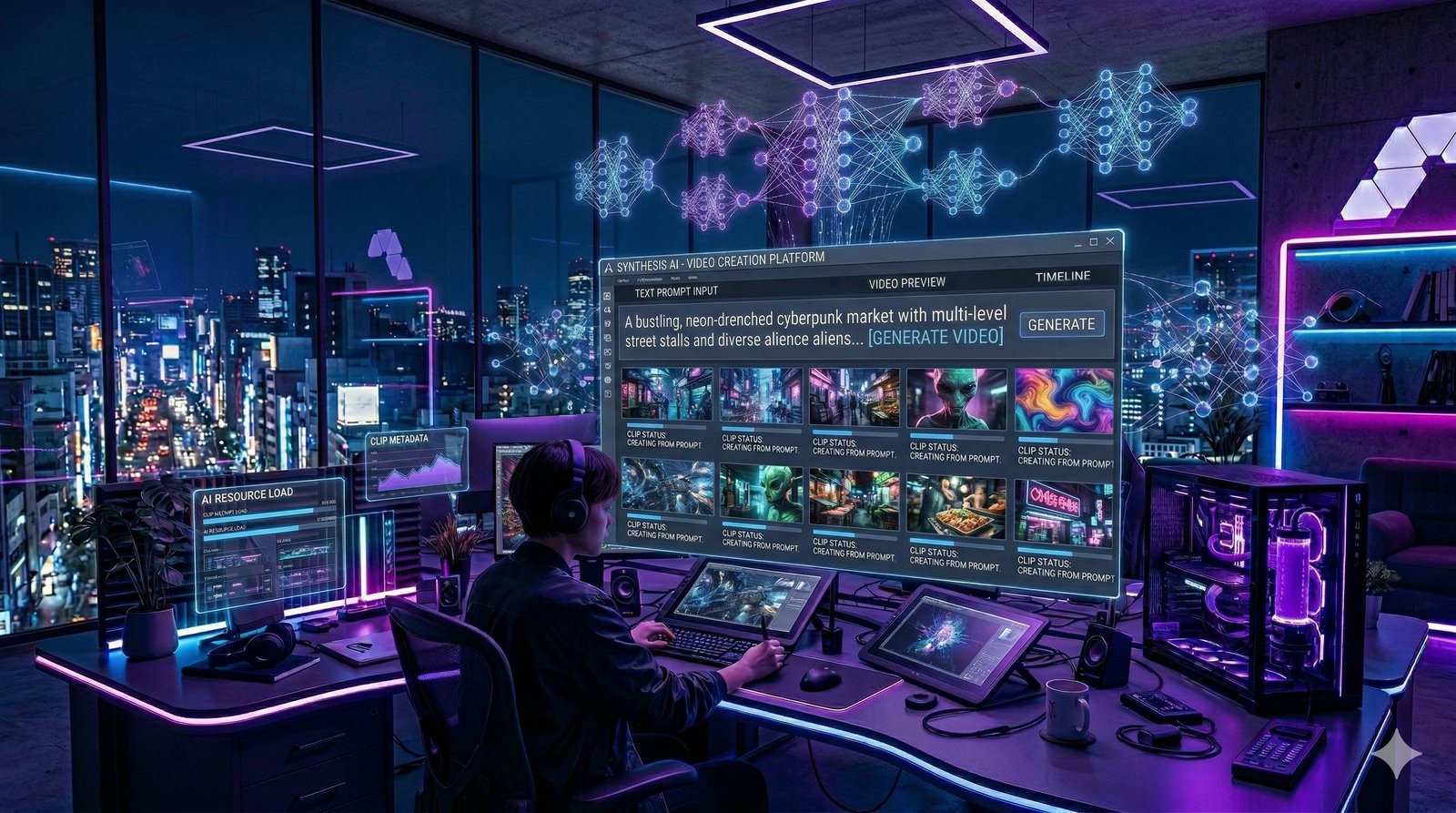
What Are AI Video Generators?
If you've ever wanted to make a YouTube video, a product ad, or a social media reel but didn't know where to start — AI video generators are your answer. These are online tools powered by artificial intelligence that can create professional-quality videos from just a text prompt, an image, or a script.
In simple words: you type what you want to see, and the AI makes a video for you. No camera. No actors. No expensive editing software. Just type and generate.
These tools use advanced technologies like generative AI, diffusion models, and large language models (LLMs) to understand your request and produce realistic, animated, or cinematic video content — often in seconds.
💡 Did you know? The AI video generation market is expected to surpass $1.8 billion by 2030. Businesses, YouTubers, and marketers are already saving thousands of dollars by replacing traditional video production with AI tools.
Who Should Use AI Video Generator Tools?
Content Creators
Make YouTube Shorts, Reels & TikToks without a camera.
E-commerce Sellers
Create product demo videos at zero cost.
Marketers & Agencies
Scale ad creative production 10x faster.
Educators & Trainers
Build explainer and training videos effortlessly.
🏆 Top 10 Best AI Video Generator Tools in 2026
We tested each tool for quality, ease of use, speed, and value. Here's our honest breakdown.
#2. Runway Gen-3 Alpha
Best for Creators & Professional Video Editing
Runway is the go-to AI video generation platform for creative professionals. Gen-3 Alpha produces high-quality videos with smooth motion, realistic textures, and great temporal consistency. It's trusted by Hollywood studios, ad agencies, and top YouTubers. It also has powerful built-in video editing features.
#3. Pika Labs
Best Free AI Video Generator for Beginners
Pika is one of the most beginner-friendly free AI video generator tools. You can generate short video clips from text or images in seconds. Pika 2.0 introduced smoother motion, better scene transitions, and lip-sync features. It's perfect for social media content — especially Instagram Reels and TikTok clips.
#4. Synthesia
Best AI Avatar Video Generator for Business
Synthesia specializes in AI avatar video generation — perfect for explainer videos, corporate training, and marketing. You write a script, choose an AI avatar (there are 230+ of them), pick a language, and Synthesia produces a talking-head video in minutes. It supports 120+ languages, making it ideal for multilingual video content creation.
#5. Kling AI
Best for Realistic Motion & Long-form Videos
Kling AI by Kuaishou is a powerhouse AI text-to-video generator that can create videos up to 3 minutes long with incredibly realistic motion. It handles complex movements like running, dancing, and swimming with natural accuracy. Kling AI's free tier is generous, making it one of the best free options for creators in 2026.
#6. Luma Dream Machine
Best for Image-to-Video Generation
Luma Dream Machine from Luma AI is exceptional at converting static images into smooth, flowing videos — a process called image-to-video generation. Upload a photo and watch it come alive. It's widely used for product photography animation, artistic videos, and storytelling content. The free tier offers 30 generations per month.
#7. InVideo AI
Best for YouTube & Marketing Videos
InVideo AI is a complete AI video creation platform that turns scripts, blog posts, or ideas into full-length YouTube videos automatically. It adds voiceover, background music, stock footage, and captions — all powered by AI. It's one of the most complete automated video production tools available for marketers.
#8. HeyGen
Best for Personalized AI Avatar Videos
HeyGen lets you create a custom AI avatar of yourself and generate talking videos from text scripts. It's incredibly popular for sales outreach, onboarding videos, and social media. HeyGen also offers video translation — it can translate your video into 40+ languages while keeping your original voice and lip movements.
#9. Stable Video Diffusion
Best Open-Source AI Video Generator
Stable Video Diffusion (SVD) by Stability AI is an open-source AI video generator that you can run locally on your own machine. It's completely free to use and offers great image-to-video capability. While it requires some technical knowledge to set up, it's the best option for privacy-conscious creators and developers who want full control.
#10. Google Veo 2
Best for High-Resolution AI Video Generation
Google Veo 2 is Google DeepMind's answer to Sora — a state-of-the-art text-to-video AI model capable of generating 4K-quality videos with excellent understanding of real-world physics and cinematography. Available through Google's VideoFX and Vertex AI platforms, it's especially useful for enterprises building AI-powered video pipelines at scale.
📊 AI Video Generator Tools — Comparison Table
Quick side-by-side comparison to help you choose the right tool.
| 🔧 Tool | Type | Free Plan | Starting Price | Max Length | Rating |
|---|---|---|---|---|---|
| OpenAI Sora | Text-to-Video | No | $20/mo | 60 sec | 9.5/10 |
| Runway Gen-3 | Text/Image-to-Video | Yes | $12/mo | 16 sec | 9.2/10 |
| Google Veo 2 | Text-to-Video | Limited | Enterprise | 2 min | 9.1/10 |
| Synthesia | AI Avatar | Trial | $18/mo | Unlimited | 9.0/10 |
| Kling AI | Text-to-Video | Yes | $10/mo | 3 min | 8.9/10 |
| HeyGen | AI Avatar | Trial | $24/mo | Unlimited | 8.8/10 |
| Pika Labs | Text/Image-to-Video | Yes | $8/mo | 10 sec | 8.8/10 |
| Luma Dream Machine | Image-to-Video | Yes | $29.99/mo | 30 sec | 8.7/10 |
| InVideo AI | Full Video Production | Yes | $20/mo | Long-form | 8.5/10 |
| Stable Video Diffusion | Open-Source | 100% Free | Free | 25 frames | 8.2/10 |
How to Choose the Right AI Video Generator
Not every tool is right for every use case. Here's a simple guide:
🎨 For Creative & Cinematic Content
→ Use OpenAI Sora or Runway Gen-3. Best video quality for cinematic storytelling.
💼 For Business & Corporate Videos
→ Use Synthesia or HeyGen. AI avatars + multilingual support = perfect for enterprises.
📱 For Social Media (Free)
→ Use Pika Labs or Kling AI. Both have solid free plans for TikTok and Reels.
🛠 For Developers & Technologists
→ Use Stable Video Diffusion. Open-source, private, and infinitely customizable.
🎬 For YouTube & Long-form Marketing
→ Use InVideo AI. It handles scripting, voice, music, and footage automatically.
💡 Pro Tips for Getting the Best Results from AI Video Generators
Write Detailed Prompts
Include camera angle, lighting, style, setting, and action. e.g., "A slow-motion close-up of a coffee cup being filled, warm morning light, cinematic 4K."
Generate Multiple Versions
AI outputs are probabilistic. Generate 3–5 versions of the same prompt and pick the best one.
Use Image-to-Video for Consistency
Start with a reference image to maintain character or scene consistency across multiple clips.
Add Audio Separately
Most AI video tools don't generate audio. Use ElevenLabs for voiceover and Suno for background music.
❓ Frequently Asked Questions
Everything beginners want to know about AI video generator tools.
📌 Disclaimer: Pricing and features may change. Always check the official websites for the latest plans before subscribing. This post contains general information and does not constitute paid promotion.